

Participants
Under Settings > Participants, you configure participant management for your bookings. ↗ Open in Locaboo
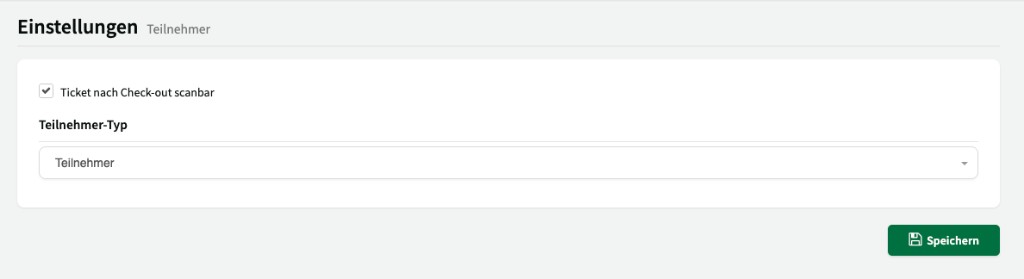
Ticket scannable after check-out
Section titled “Ticket scannable after check-out”When this option is enabled, tickets can still be scanned after check-out.
Participant type
Section titled “Participant type”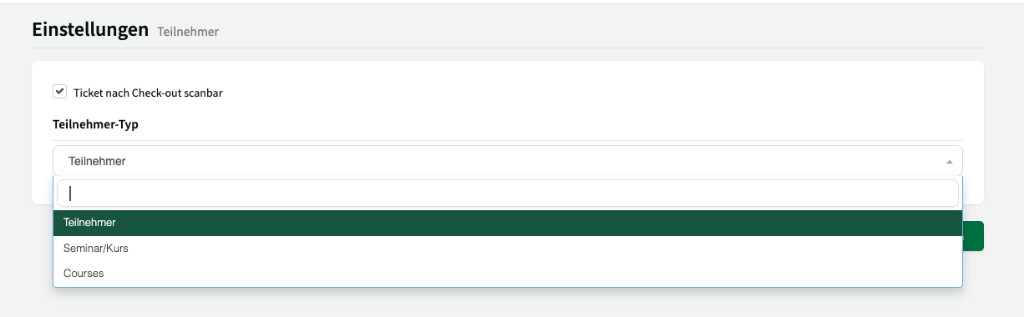
Use the Participant type dropdown to set which label is used for participants in your Locaboo interface:
| Type | Description |
|---|---|
| Participant | Default label for participants on bookings. |
| Seminar/Course | Label for seminar or course participants. |
| Courses | English label for course participants. |