

General settings
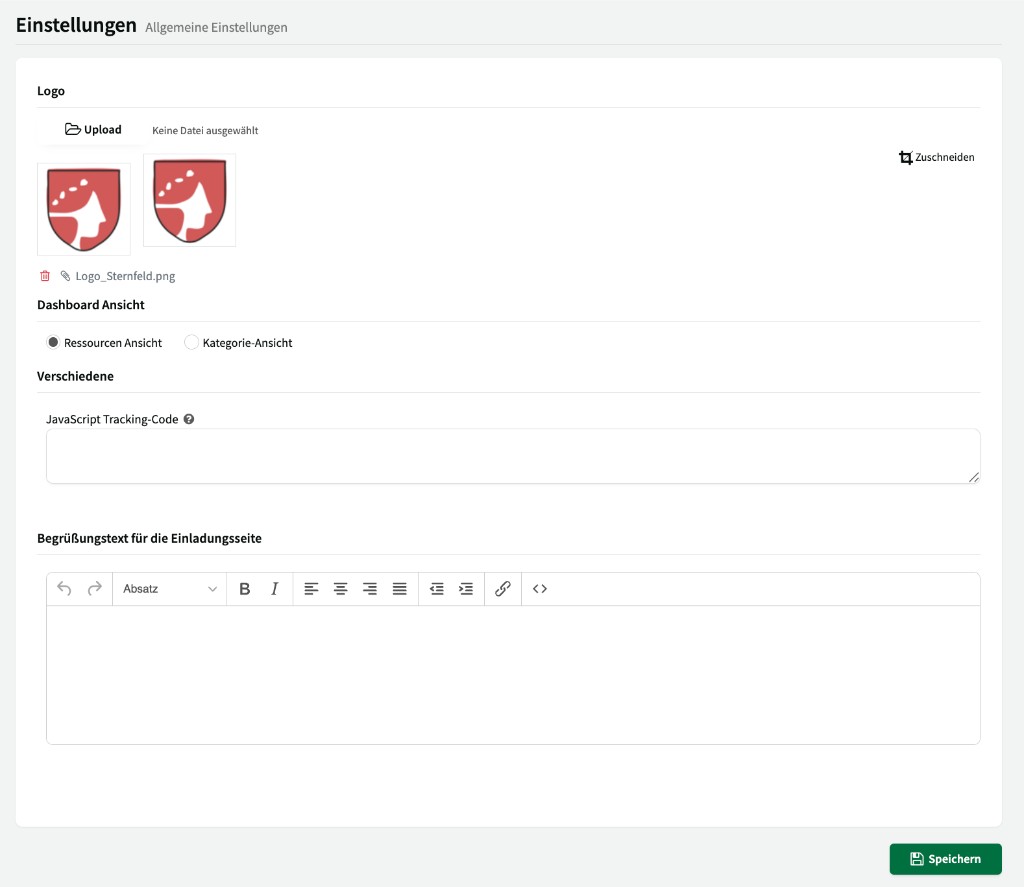
Under Settings > General settings you configure basic properties of your account. ↗ Open in Locaboo
Upload your logo here. It is shown in the internal Locaboo view and appears in emails to your customers. After upload you can adjust the image using Crop.
Dashboard view
Section titled “Dashboard view”Choose how your resources are displayed on the dashboard:
- Resources view – shows each resource individually as tiles.
- Category view – groups resources by their categories.
Miscellaneous
Section titled “Miscellaneous”- JavaScript tracking code – Enter a custom tracking code (e.g. Google Analytics or Matomo) that is embedded on your booking platform.
- Welcome text for the invitation page – Customise the text customers see when they first access Locaboo via an invitation. The text can be formatted using the built-in editor.