

Customers
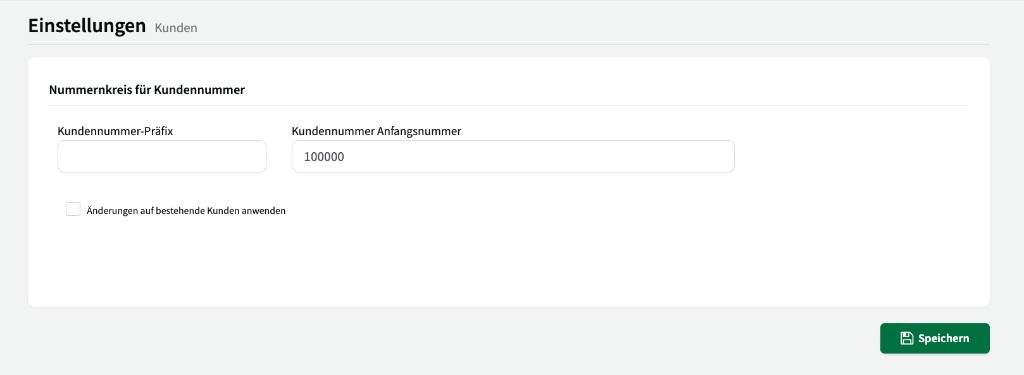
Under Settings > Customers, you configure the number range for customer numbers. ↗ Open in Locaboo
Number range for customer numbers
Section titled “Number range for customer numbers”| Setting | Description |
|---|---|
| Customer number prefix | An optional short code prepended to every customer number (e.g. “CU-”). |
| Customer number starting number | The starting number from which Locaboo assigns customer numbers. By default, Locaboo starts at 1 and counts up sequentially. |
Each customer number is assigned only once. If your customer numbers should have a fixed number of digits (e.g. five), enter an appropriate starting number – for example 10000 for five-digit numbers or 100000 for six-digit numbers.
With the checkbox Apply changes to existing customers, the prefix and numbering are also applied to customers already created. Without this checkbox, changes apply only to newly created customers.